
ThedailyID
  • Home
  • Indonesia
  • Global
  • Business
  • Lifestyle
  • Tech
  • Sports
  • Photo
  • Who Is ?
No Result
View All Result
ThedailyID
  • Home
  • Indonesia
  • Global
  • Business
  • Lifestyle
  • Tech
  • Sports
  • Photo
  • Who Is ?
No Result
View All Result
ThedailyID
No Result
View All Result
  • Home
  • Indonesia
  • Global
  • Business
  • Lifestyle
  • Tech
  • Sports
  • Photo
  • Who Is ?

How to Secure Your Home Wi-Fi Network From Hackers and Unauthorised Users

Nurul Darari by Nurul Darari
July 29, 2026
in Lifestyle
Reading Time: 2 mins read
How to Secure Your Home Wi-Fi Network From Hackers and Unauthorised Users

How to Secure Your Home Wi-Fi Network From Hackers and Unauthorised Users

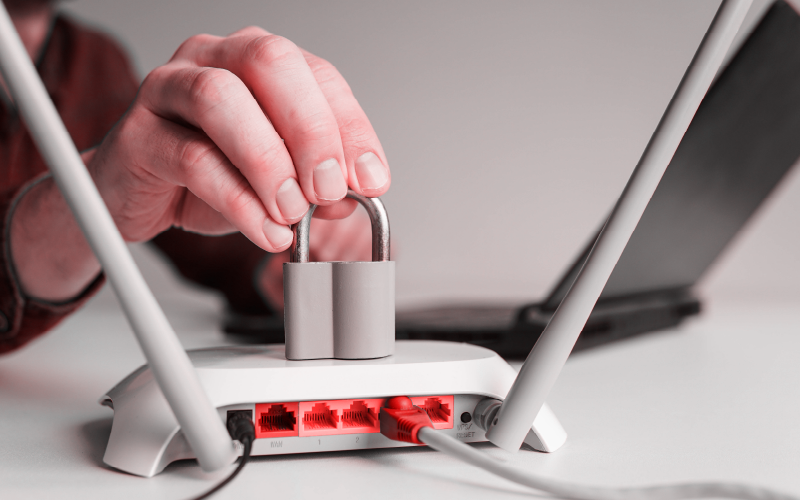
Jakarta, ThedailyID — An unsecured home Wi-Fi network can expose users to hackers and unauthorised connections. Weak passwords and outdated security settings often make networks easier to compromise.

Here are nine practical ways to improve your home Wi-Fi security:

You might also like

7 Signs You're Being Too Hard on Yourself, According to Psychology

7 Signs You’re Being Too Hard on Yourself, According to Psychology

August 10, 2026
Sadie Sink Reveals Who Knew Her Secret Role Before Spider-Man Release

Sadie Sink Reveals Who Knew Her Secret Role Before Spider-Man Release

August 10, 2026

1. Use a strong password
Create a unique password with uppercase and lowercase letters, numbers, and symbols. Avoid using names, birthdays, or other personal information that others can easily guess.

2. Enable WPA3 encryption
Turn on WPA3 if your router supports it. If not, use WPA2-PSK, which still provides strong protection for most home networks.

3. Hide your network name (SSID)
Disable SSID broadcasting so your Wi-Fi network does not appear automatically on nearby devices. New users must enter the network name manually before connecting.

4. Turn on MAC Address Filtering
Allow only approved devices to access your network. Even if someone knows your password, the router can block unregistered devices.

5. Disable Wi-Fi Protected Setup (WPS)
Many attackers target security flaws in WPS. Turning the feature off removes one of the most common entry points for unauthorised access.

6. Keep your router updated
Install firmware updates whenever manufacturers release them. These updates often fix newly discovered security vulnerabilities.

7. Create a Guest Network
Give visitors access through a separate guest network instead of your primary connection. This keeps your personal devices and shared files isolated.

8. Turn off Remote Administration
Disable remote management unless you genuinely need it. Restricting router access to your local network reduces security risks.

9. Enable the router’s firewall
Keep the built-in firewall active at all times. It helps detect suspicious traffic and blocks many external cyber threats.


Tags: cybersecurityHome NetworkinternetRouterTech TipsTechnologyThedailyIDWi-Fi
Previous Post

100-Year-Old Roller Coaster Halted Mid-Ride at UK Theme Park

Next Post

Astronomy Guide: Major Sky Events to Watch in August 2026

Related Stories

7 Signs You're Being Too Hard on Yourself, According to Psychology

7 Signs You’re Being Too Hard on Yourself, According to Psychology

August 10, 2026
Sadie Sink Reveals Who Knew Her Secret Role Before Spider-Man Release

Sadie Sink Reveals Who Knew Her Secret Role Before Spider-Man Release

August 10, 2026
Can Babies Drink UHT Milk? Here's the Right Age, According to Experts

Can Babies Drink UHT Milk? Here’s the Right Age, According to Experts

August 10, 2026
Meta Hit With $942 Million Fine Over Facebook, Instagram's Impact on Children

Meta Hit With $942 Million Fine Over Facebook, Instagram’s Impact on Children

August 9, 2026
Next Post
Astronomy Guide: Major Sky Events to Watch in August 2026

Astronomy Guide: Major Sky Events to Watch in August 2026

ThedailyID

© 2026 ThedailyID - Indonesia, As It Happens

Navigate Site

  • Privacy
  • Cyber Media Guidelines
  • Editorial
  • About Us

Follow Us

No Result
View All Result
  • Home
  • Indonesia
  • Global
  • Business
  • Lifestyle
  • Tech
  • Sports
  • Photo
  • Who Is ?

© 2026 ThedailyID - Indonesia, As It Happens