

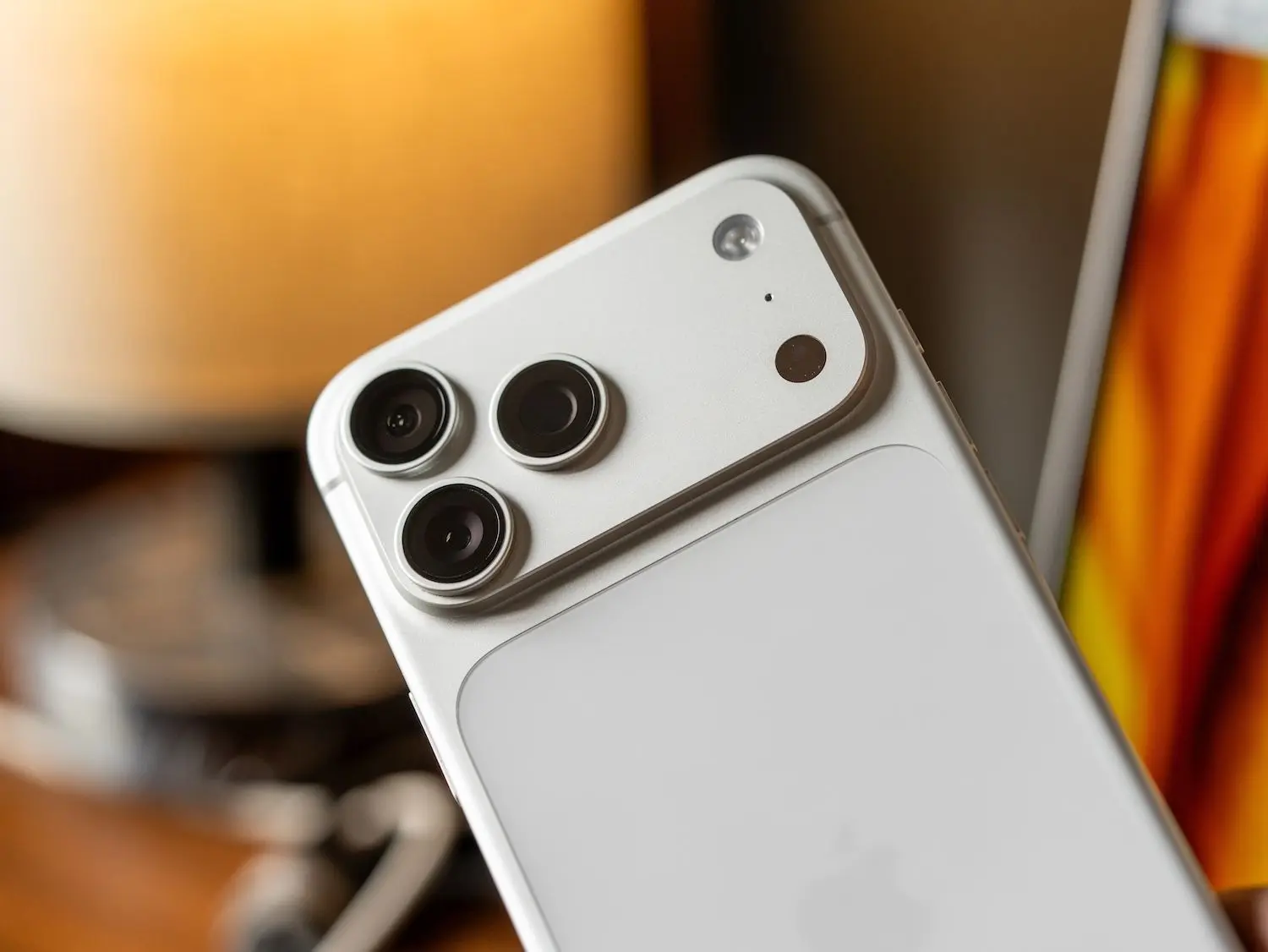
Jakarta, ThedailyID — Apple offers three ways to transfer data from an old iPhone to a new device. Users can choose Quick Start, an iCloud backup, or a direct cable connection.
The iPhone 18 Pro series went on sale in Indonesia on Friday, October 16, 2026. New owners can move their existing data to their new phones using one of these methods.


However, some data may not transfer automatically. Users might need to move certain files manually.
1. Transfer Data Using Quick Start
Quick Start helps users set up a new iPhone automatically. The feature supports iPhones running iOS 11 or later.
Before starting, connect both devices to Wi-Fi and turn on Bluetooth. Then follow these steps:
-
Unlock the old iPhone and open its Home Screen.
-
Turn on the new iPhone and place it near the old device.
-
Follow the Quick Start instructions that appear on the screen.
-
Wait for the transfer to finish on both devices.
Keep the phones close together and connect them to power throughout the process. Transfer times vary depending on network conditions and the amount of data.
2. Transfer Data Using iCloud Backup
Users can also restore data from an iCloud backup. However, this method only transfers data included in the backup.
First, turn on the new iPhone and wait for the Hello screen. Follow the setup instructions until you reach the Apps & Data screen.
Select the option to restore from an iCloud backup. Then sign in to your Apple Account and choose the latest available backup.
Keep the new iPhone connected to Wi-Fi and a power source. You can use the device while iCloud downloads your data in the background.
3. Transfer Data Using a Cable
A direct cable connection offers another option. The required cable depends on the ports available on both devices.
For an iPhone 15 or newer, use a USB-C to USB-C cable. For an iPhone 14 or older, use a USB-C to Lightning cable.
Connect both phones and turn them on. Follow the on-screen instructions, then connect the new iPhone to Wi-Fi or a cellular network.
Next, set up Face ID or Touch ID and wait for the transfer to finish. Make sure both phones have enough battery power and maintain a stable internet connection throughout the process.